How does CatGate work?
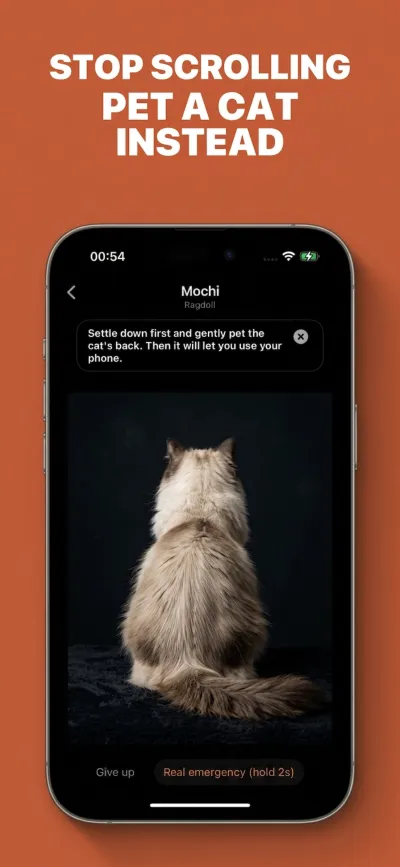
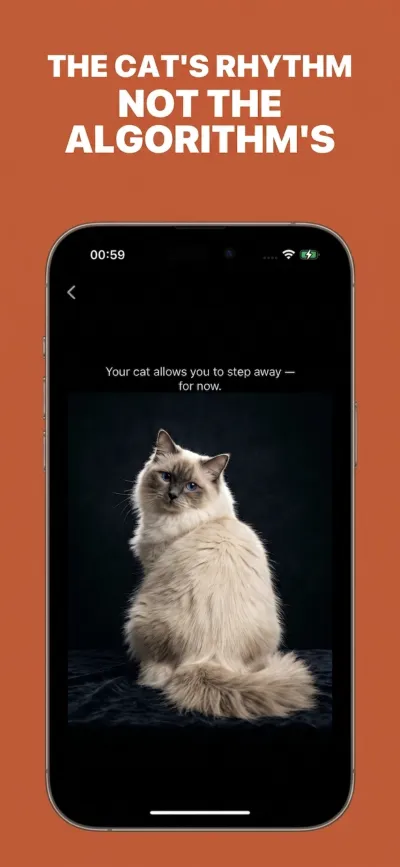
You choose which apps you want to gate. Every time you tap one, CatGate shows a blocking screen — a cat with its back to you. You stroke the cat's back steadily. If you do it right, the cat turns, gives you a slow blink, and unlocks. Too fast? The cat gets annoyed. Too slow? Nothing happens. You really have to slow down.
How is this different from Screen Time?
Screen Time is just a warning popup — tap "Ignore Limit" and keep scrolling. CatGate puts a real cat in your way. You have to interact with it to get through. That extra step is everything.
How much does CatGate cost?
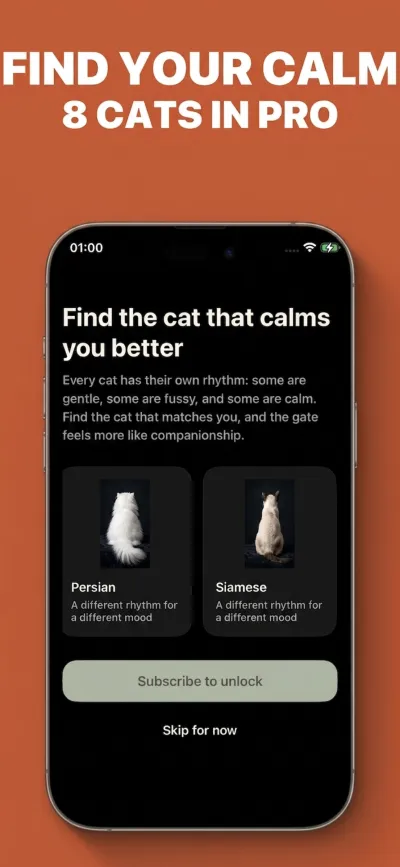
CatGate is subscription-only: $9.99 monthly or $59.99 yearly. Both plans include all features, with no free version or trial.
Is it iOS only?
Yes, currently iOS only. CatGate uses native Apple iOS Screen Time APIs (FamilyControls) to implement the gate mechanism.
Do you add new cat breeds?
Yes! Pro users get new cat breeds unlocked every month, from shorthairs to Maine Coons, each with a distinct personality.
How do I cancel my subscription?
Go to Settings → your Apple ID → Subscriptions on your iPhone. Cancel anytime.
Is my data safe?
Built on Apple's native FamilyControls API, CatGate does not track which apps you open or how long you use them. All gating runs locally on-device. See Privacy Policy.
Can the cat ignore me?
Absolutely. Stroke too fast or half-heartedly — the cat turns away. That's by design. You want to open Instagram? Earn the cat's trust first.
How to stop doomscrolling?
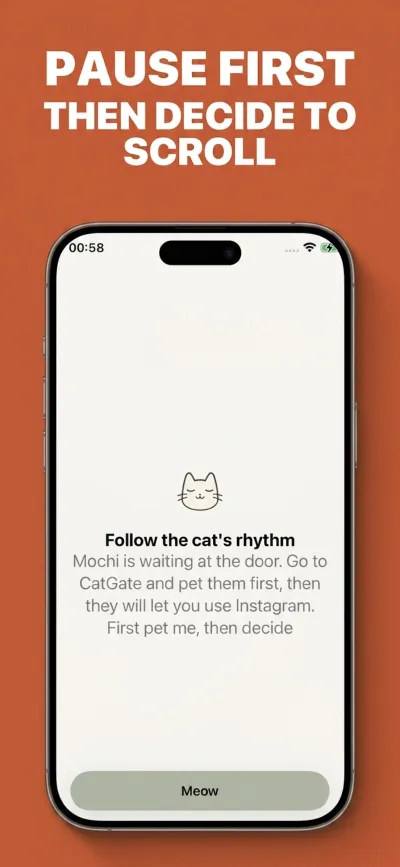
CatGate offers one method: every time you try to open a social app, you must pet the cat to unlock it. This forces you to slow down, turning mindless scrolling into a conscious choice. You're not fighting yourself — you're negotiating with a cat.
How to reduce screen time?
CatGate uses iOS Screen Time API to add a "cat gate" before every app launch — a 5-10 second pause that breaks the autopilot scrolling habit. Combined with a monthly or yearly subscription, it helps you build a new digital wellness routine.
Why might the App Store label the download as Free?
Apple's Free label means there is no upfront download charge; it does not mean CatGate has a free functional plan. Using CatGate requires a Monthly or Yearly subscription, with no free functional tier or trial.

Why CatGate is the gentler iOS Screen Time App Blocker
"The cat isn't your pet. It's the paw that pulls you back from the doomscroll void."